












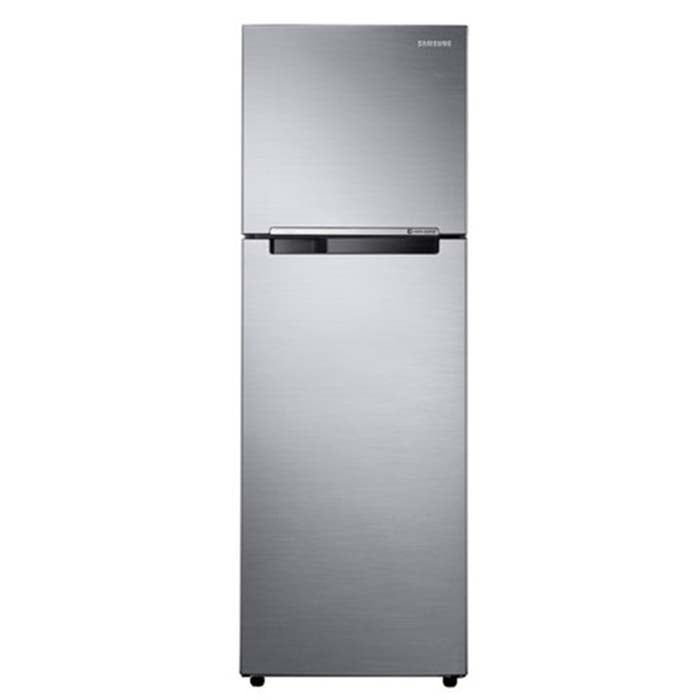

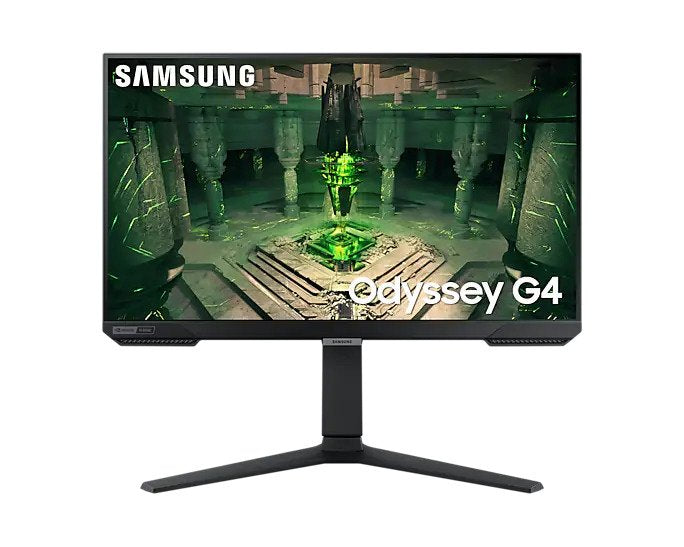
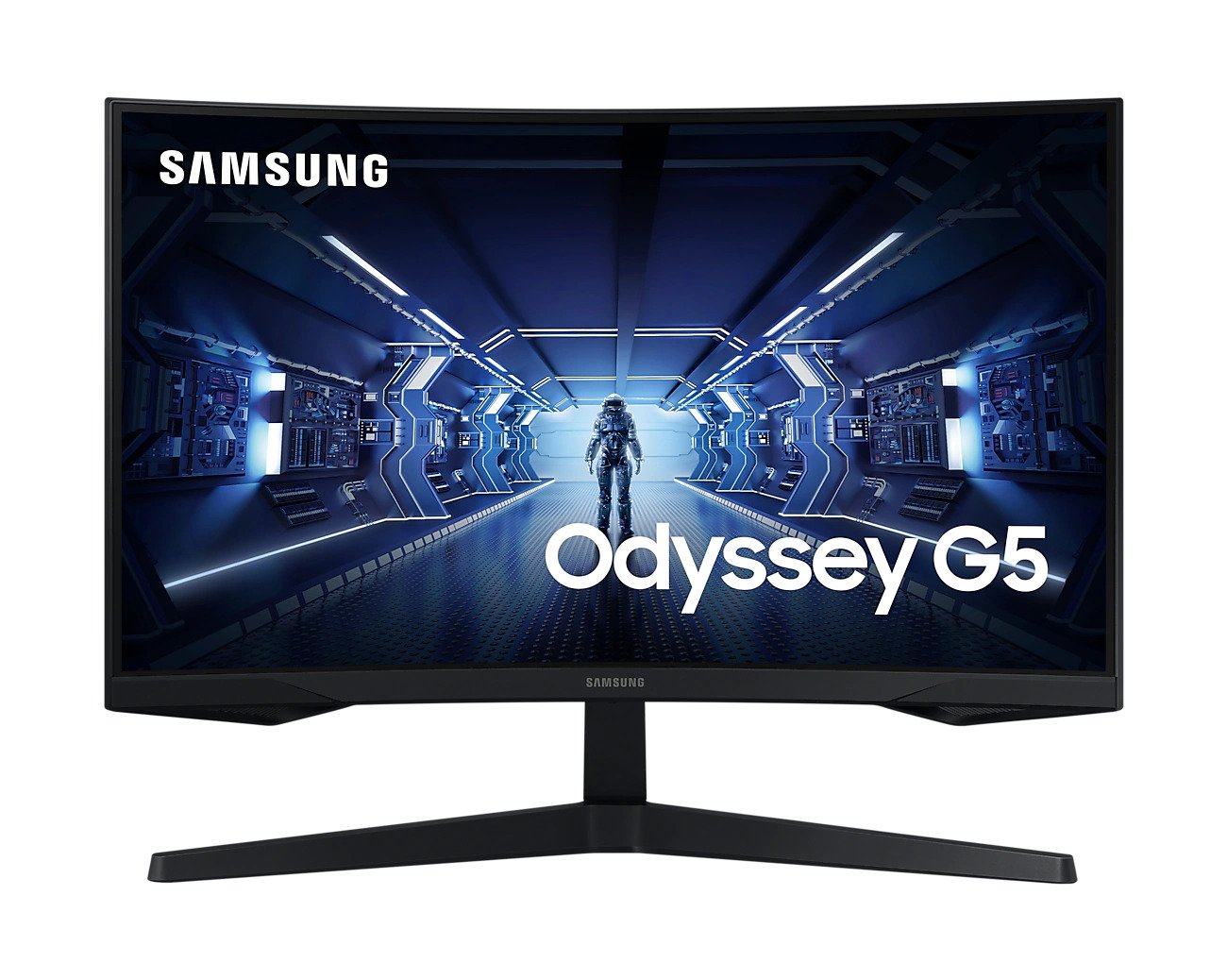


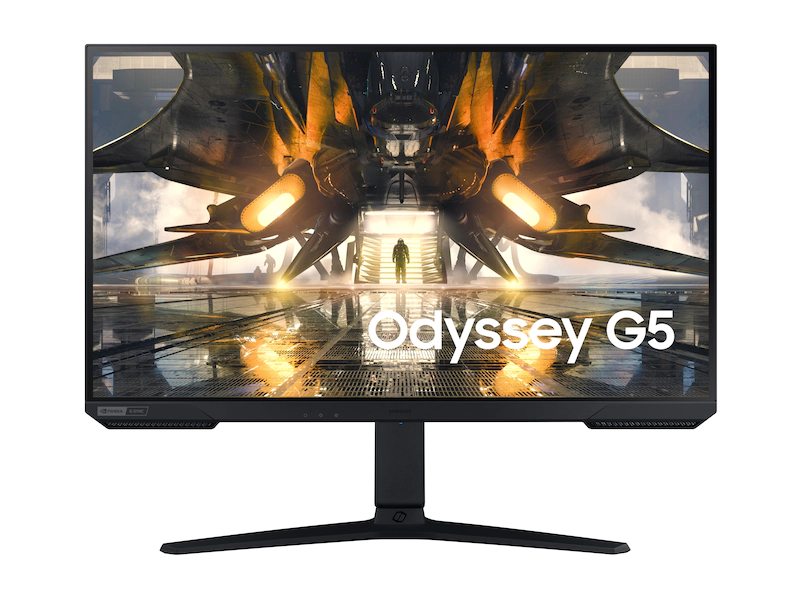

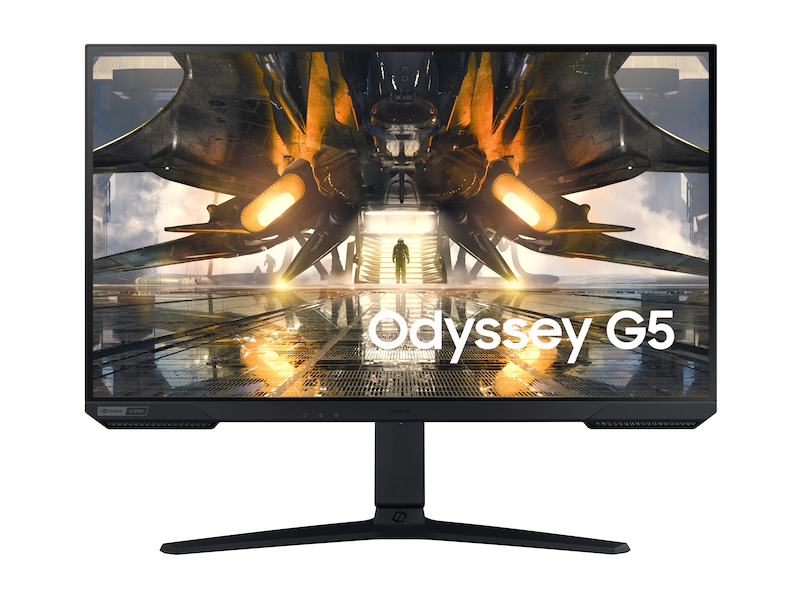


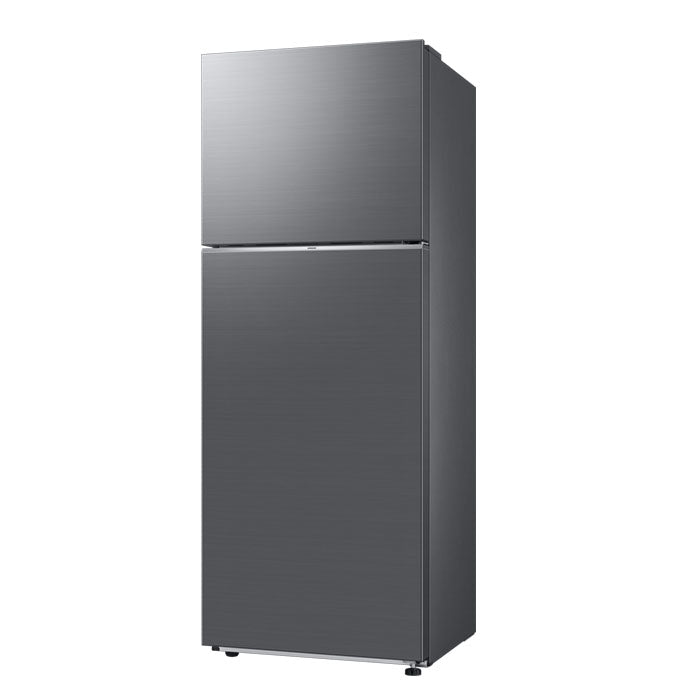
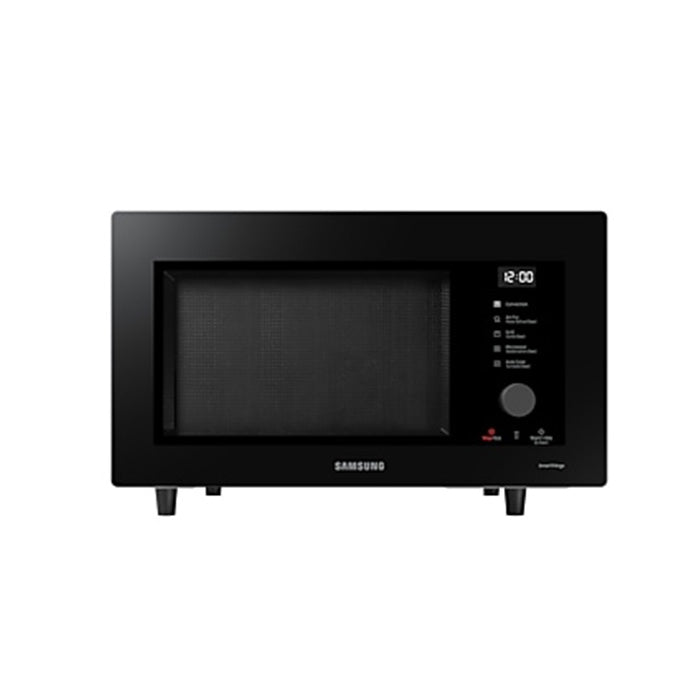


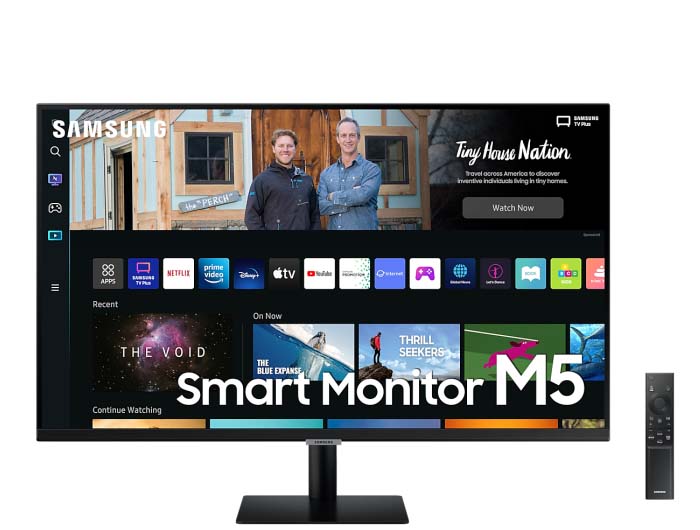






image tab test
MOBILE
<!DOCTYPE html>
<html lang="en">
<head>
<meta charset="UTF-8">
<meta name="viewport" content="width=device-width, initial-scale=1.0">
<title>Responsive Tab Section with Linked Images</title>
<style>
body {
font-family: Arial, sans-serif;
text-align: center;
}
.tabs {
display: flex;
justify-content: center;
flex-wrap: wrap;
margin-bottom: 20px;
}
.tab {
padding: 10px 20px;
margin: 15px;
cursor: pointer;
background-color: #000;
border: none;
outline: none;
font-size: 16px;
}
.tab.active {
background-color: #0000ff;
color: white;
}
.tab-content {
display: none;
}
.tab-content.active {
display: block;
}
.tab-content a {
display: inline-block;
text-decoration: none;
}
.tab-content img {
width: 1500px;
height: auto;
border-radius: 0px;
}
@media (max-width: 600px) {
.tab-content img {
width: 90%;
}
}
</style>
</head>
<body>
<div class="tabs">
<button class="tab active" onclick="showTab(0)">Galaxy A Series</button>
<button class="tab" onclick="showTab(1)">Galaxy S Series</button>
<button class="tab" onclick="showTab(2)">Galaxy Z Series</button>
<button class="tab" onclick="showTab(3)">Galaxy Tabs</button>
<button class="tab" onclick="showTab(4)">Apple Products</button>
</div>
<div id="content">
<div class="tab-content active">
<a href="https://brandcart.co.ke/mobile/galaxy-a-series-kenya.html"><img src="{{media url=wysiwyg/new-owl-images/a36-a56-banner-image.jpg}}" alt="Galaxy A36"></a>
</div>
<div class="tab-content">
<a href="https://brandcart.co.ke/mobile/galaxy-s.html"><img src="{{media url=wysiwyg/new-owl-images/s25-banner.jpg}}" alt="Galaxy S25 Series"></a>
</div>
<div class="tab-content">
<a href="https://brandcart.co.ke/mobile/galaxy-z.html"><img src="{{media url=wysiwyg/new-owl-images/z-series-banner-image.jpg}}" alt="Galaxy Z Series"></a>
</div>
<div class="tab-content">
<a href="https://brandcart.co.ke/mobile/tablet.html"><img src="{{media url=wysiwyg/new-owl-images/tablets-banner-image.jpg}}" alt="Galaxy Tablet"></a>
</div>
<div class="tab-content">
<a href="https://brandcart.co.ke/mobile/apple.html"><img src="{{media url=wysiwyg/new-owl-images/apple-products-banner-image.jpg}}" alt="Apple products"></a>
</div>
</div>
<script>
function showTab(index) {
const tabs = document.querySelectorAll('.tab');
const contents = document.querySelectorAll('.tab-content');
tabs.forEach(tab => tab.classList.remove('active'));
contents.forEach(content => content.classList.remove('active'));
tabs[index].classList.add('active');
contents[index].classList.add('active');
}
</script>
</body>
</html>